fixes work order
Controls, Pickup, and Interaction Help
Read on-screen prompts, diagnose targeting or pickup trouble, and document resolution-dependent interaction reports.
Direct answer
Use the binding shown beside the current interaction prompt. If pickup or targeting fails, confirm the objective, change distance and aim point, then compare display settings only as a diagnostic; interaction-offset and ultrawide symptoms are community-reported, not universally fixed.
Read the prompt in your build
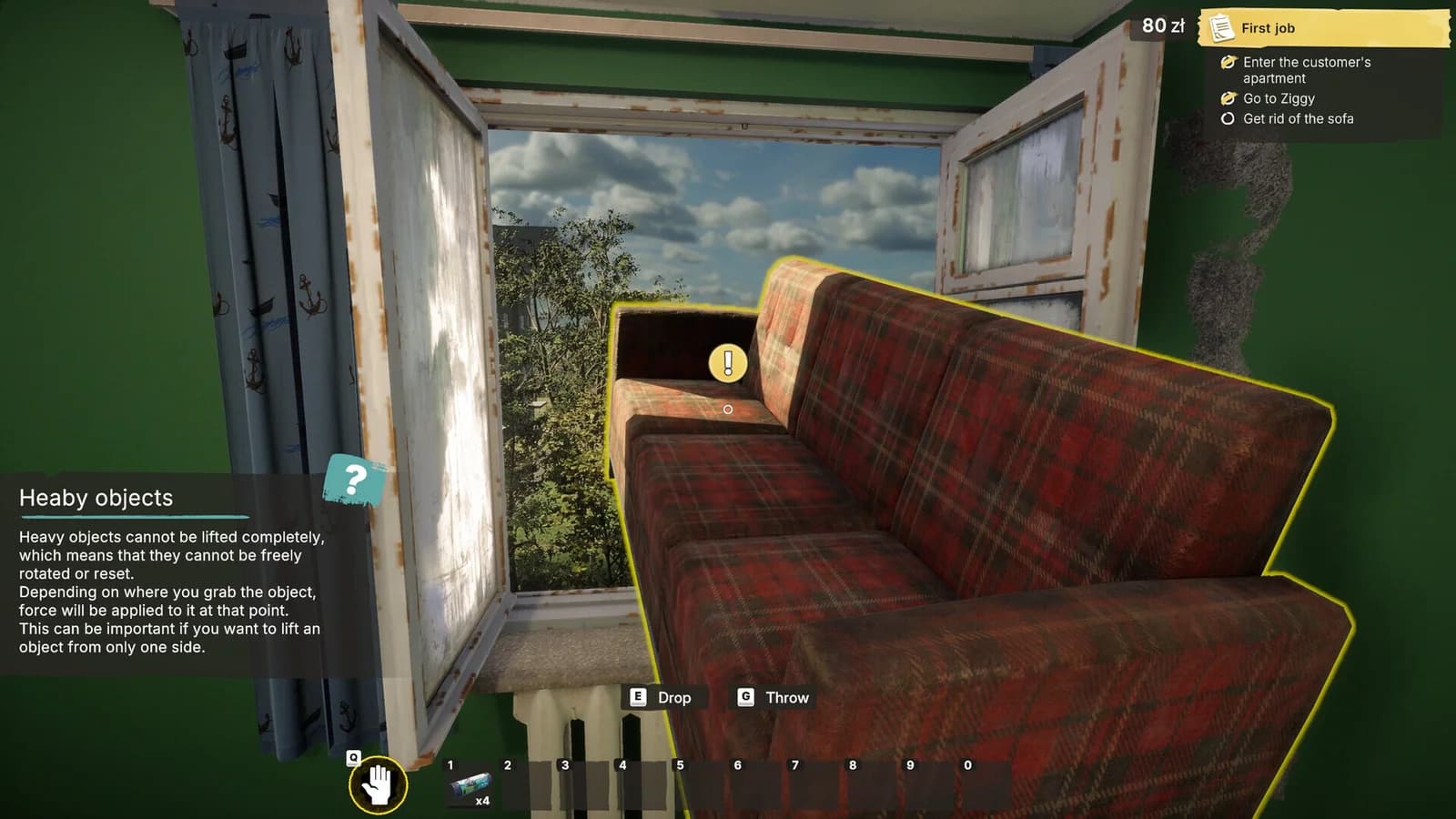
Official screenshots show context-sensitive actions for painting, moving heavy objects, placing and rotating tiles, dropping, and throwing. The displayed binding is the relevant instruction; a screenshot key is not treated as a permanent control map.
When an object will not highlight
- Confirm that the active objective calls for that object or action.
- Center the reticle on a different part of the object.
- Move slightly closer or farther away.
- Check whether another held item is blocking the intended action.
- Re-enter the area once before changing display settings.
For heavy furniture, the official tutorial explains that the grab point affects how force is applied. A large object may not rotate or lift like a small loose item.
Diagnose a possible target offset
Record the current resolution, aspect ratio, window mode, and where the cursor appears relative to the successful interaction point. Compare once with a standard 16:9 resolution. If the offset changes, include both results in the report; if it does not, restore the preferred setting and continue testing the object state.
Pickup and loose-object reports
If trash, coins, or another small object cannot be selected, capture the objective text, object location, aim point, and whether it moved or clipped. Avoid claiming the object is required unless the current objective says so.
Use the troubleshooting decision guide to record a reproducible case instead of applying several settings changes at once.
Sources
- Low-Budget Repairs Steam discussionscommunity report · checked 2026-08-10 · Mixed community reports; claim scope recorded inline
- Low-Budget Repairs on Steamsteam store · checked 2026-08-10 · Pre-release full-game store listing
Close-out questions
Frequently asked questions
- Why does the interaction point feel offset?
- Players have reported targeting and ultrawide UI issues, but there is no universal verified fix. Compare with a standard aspect ratio and record whether the offset changes.