Match the requested paint and surface to the active objective, then distinguish the painted appearance from recorded progress. Official fixes cover walls saved incorrectly, painting ticks resetting and interactions blocked after using the leveler.
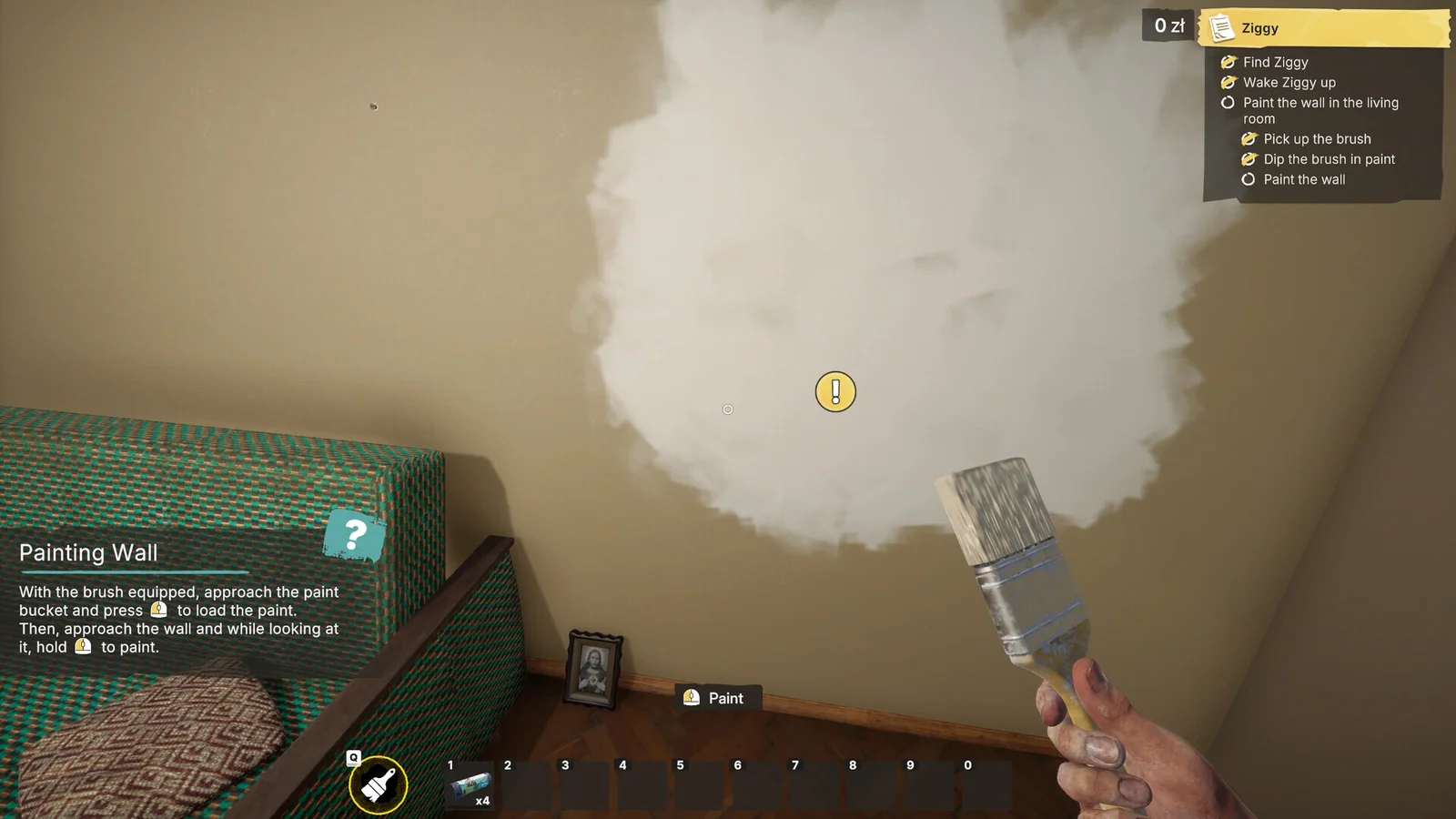
Before applying paint
Read the requested surface and finish. Check supplied paint before buying more and follow the visible brush or roller prompt. A Steam screenshot is not a measured coverage test.
An unfinished strip or a reset objective?
The garage-door wall strip has its own patch record. A surface that stays painted while its completion tick resets is a different save-state problem. Record which state changed before repainting the room.
Dilution and cost
Dilution appears in the official premise, but no universally safe ratio or profit multiplier is established here. Enter actual purchases into the profit calculator rather than relying on an invented mixture.
Blocked after another tool
If painting stops responding after leveler use, compare the interaction fix. If the failure begins only after loading, use the painting-progress save record instead.
Sources & build scope
Full release · official patch notes; not a local gameplay retest. Source review is separate from a gameplay test.
- Steam: full game ↗Tier A · Current store listing
- Gray2RGB: official announcements ↗Tier A · Launch through Update 6