status work order
Low-Budget Repairs Demo Guide
What the current public Demo establishes, what it does not prove about release, and where to begin.
Direct answer
The public Demo is a limited introduction to Low-Budget Repairs: it establishes the story setup and an early sample of objective-led repair work, but it does not establish the final release job list, progression, payouts, or balance.
What the Demo includes
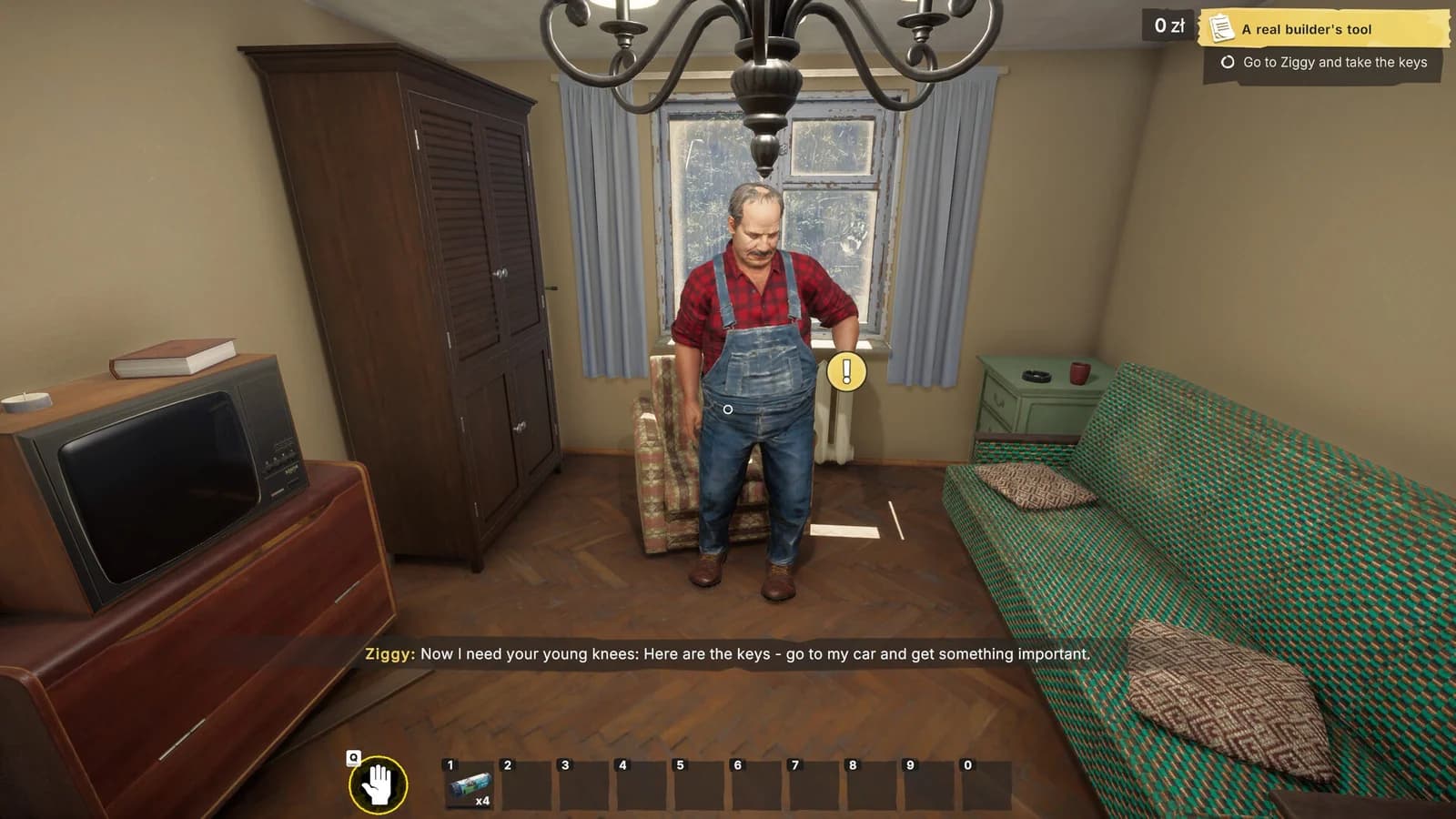
The Demo introduces the setting, characters, movement between objectives, and the basic rhythm of handling a repair task. Official Demo media shows the player speaking with Ziggy, taking keys, arriving at an early job, handling objects, and following a visible objective list.
Use that slice to learn three habits:
- Read the active objective before acting.
- Watch for the interaction marker and the binding shown beside it.
- Re-check the objective list after every completed action.
Those habits transfer more safely than memorizing a job order that may change.
Demo versus full release
The Demo is evidence for the Demo only. It cannot confirm:
- the final number or order of jobs;
- release payouts, penalties, or material prices;
- final tool durability or upgrade order;
- every location, character, or objective;
- whether a reported Demo problem remains in the release build.
The full-game Steam page establishes a wider renovation premise, but release-version walkthroughs stay closed until the corresponding behavior is observed.
Controls and first steps
Follow the binding displayed by the current interaction prompt rather than assuming a fixed key from a screenshot. If an object will not respond, center the reticle on a different part of it, adjust your distance, and confirm that the objective is asking for that object now. The controls guide separates normal object handling from community-reported targeting problems.
Known Demo limitations
Start with the troubleshooting decision guide when the issue is unclear. Use the focused loading guide for startup, long load, or black-screen symptoms.
Release verification
On release day, the guide will compare the same actions in the release build. Page and claim labels will change only where that comparison produces evidence.
Sources
- Low-Budget Repairs Demo on Steamsteam store · checked 2026-08-10 · Current public Demo store listing
- Low-Budget Repairs on Steamsteam store · checked 2026-08-10 · Pre-release full-game store listing
Close-out questions
Frequently asked questions
- Is the Demo job list the full release job list?
- No. The public Demo is a limited slice and cannot establish the final job, location, or progression list.
- Can Demo behavior change at release?
- Yes. This guide keeps Demo observations scoped to the Demo until the same behavior is checked in the release build.